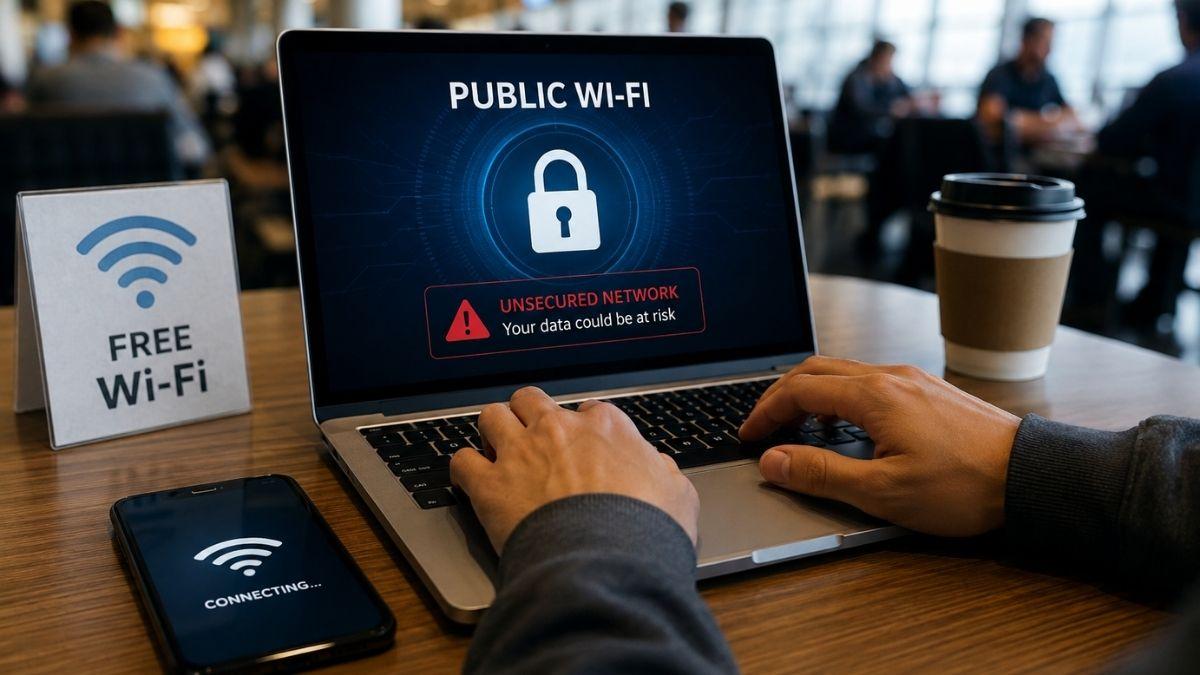
Free public Wi‑Fi has become part of daily life. Airports, coffee shops, hotels, malls, and public transportation all offer convenient internet access for travelers and remote workers. While these networks are useful, they are rarely as secure as many people assume.
A password-protected hotspot may still leave users vulnerable to cyberattacks. Public networks are attractive targets for hackers because they often lack strong encryption and are used by hundreds of people every day.
From stolen login credentials to malware infections, the risks can escalate quickly if basic precautions are ignored.
Fake Wi‑Fi Networks Can Look Legitimate
One of the biggest dangers on public networks is the “evil twin” attack. In this scam, cybercriminals create fake hotspots designed to mimic real networks.
Common examples include:
- Airport_Free_WiFi
- CoffeeShop_Guest
- Hotel WiFi
Once connected, users may unknowingly send passwords, emails, payment details, and other personal data directly through the attacker’s system.
Before connecting, always confirm the official network name with staff. Using a trusted VPN also helps encrypt your traffic even if the hotspot turns out to be fake.
Unencrypted Connections Leave Data Exposed
Many public hotspots still operate with weak or outdated encryption. On unsecured networks, nearby attackers may intercept information traveling between your device and the internet.
Sensitive data at risk may include:
- Login credentials
- Credit card information
- Emails and messages
- Browsing activity
Even websites using HTTPS do not fully protect all network traffic. Avoid accessing financial accounts or confidential work systems while connected to public Wi‑Fi whenever possible.
Man‑in‑the‑Middle Attacks Are Difficult to Detect
A man‑in‑the‑middle (MITM) attack happens when hackers secretly place themselves between your device and the website or service you are using.
This allows attackers to:
- Read transmitted information
- Redirect users to fake websites
- Modify data in transit
- Capture usernames and passwords
These attacks are especially dangerous because victims often notice nothing unusual. Enabling multi‑factor authentication (MFA) adds an important layer of protection against stolen credentials.
Malware Can Spread Through Public Networks
Some attackers use public Wi‑Fi to distribute malware directly to connected devices. This may include ransomware, spyware, fake software updates, or keyloggers designed to record everything you type.
Devices running outdated operating systems are especially vulnerable.
To reduce risk:
- Install security updates regularly
- Use trusted antivirus protection
- Disable automatic downloads on public networks
- Avoid clicking suspicious pop‑ups or update requests
Keeping software updated remains one of the simplest and most effective security habits.
File Sharing Features May Expose Personal Data
Many laptops and smartphones have file-sharing tools enabled by default. On a public network, nearby users could potentially access shared folders, connected printers, or transferred files.
This risk is common on devices previously configured for office or home use.
Before using public Wi‑Fi:
- Turn off file sharing
- Disable AirDrop or nearby sharing features
- Select “Public Network” mode on Windows devices
These small changes can prevent accidental exposure of sensitive information.
Session Hijacking Can Bypass Passwords
Websites often keep users signed in through session cookies. Attackers on unsecured networks can steal these cookies and gain access to accounts without needing the actual password.
This technique is known as session hijacking.
Logging out after every session reduces the risk significantly. Clearing browser cookies regularly and enabling MFA also helps protect accounts from unauthorized access.
Network Snooping Happens More Often Than People Think
Hackers can monitor unsecured Wi‑Fi traffic using packet-sniffing tools. Even basic browsing activity may reveal:
- Email addresses
- Search history
- Device information
- Location details
This information can later be used in phishing attacks or identity theft attempts.
Limiting unnecessary browsing on public hotspots reduces your overall exposure. For sensitive conversations, encrypted messaging apps are the safer option.
Outdated Router Security Creates Additional Risks
Not every public hotspot is properly maintained. Some businesses still use outdated routers or weak security protocols that are easier to exploit.
In these situations, every connected device becomes more vulnerable.
Trusted locations with reputable security practices are generally safer than completely open networks with no authentication requirements. For banking, work systems, or online purchases, mobile data is usually the better choice.
Automatic Connections Can Put Devices at Risk
Many smartphones and laptops automatically reconnect to saved Wi‑Fi networks. Cybercriminals can exploit this by creating fake hotspots with familiar names.
Your device may connect automatically without any warning.
To prevent this:
- Disable automatic Wi‑Fi connections
- Remove unused networks from saved lists
- Turn off Wi‑Fi when not needed
These settings help reduce accidental exposure to malicious hotspots.
Safer Ways to Use Public Wi‑Fi
Public Wi‑Fi does not need to be avoided entirely, but it should always be treated cautiously.
The safest habits include:
- Using a reputable VPN service
- Enabling multi‑factor authentication
- Keeping devices updated
- Avoiding sensitive transactions on public networks
- Turning off sharing and auto-connect features
- Using mobile hotspots for important tasks
Public hotspots are designed for convenience, not maximum security. Understanding the risks and using basic protection measures can greatly reduce the chances of data theft, malware infections, or unauthorized account access.